
Alternatives to Sketch To
Sketch To is an AI-powered tool that instantly converts images to sketches and sketches back to images.
Explore 20 alternatives to Sketch To. Compare features, pricing, and find the best fit for your needs.
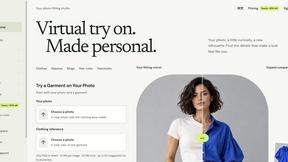
VirtualTryOn
Try on clothes, glasses, rings, hairstyles, and hair colors on your own photos with AI.
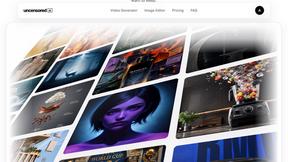
Uncensored AI Editor
Online AI image studio for creating and editing visuals from text and reference images, with control over style, format, resolution, and quality.

Vikas Editor AI
AI creative studio for cinematic photo and video concepts, prompts, and visual inspiration.
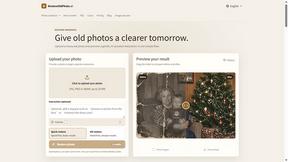
RestoreOldPhoto
Restore old photos with RestoreOldPhoto.ai: repair scratches, creases and fading, sharpen faces and details, and optionally colorize family memories.
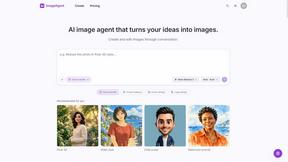
ImageAgent
Create and edit AI images through conversation, using text or reference images and refining results in chat.
AiAgeFilter
Free AI age filter: upload an adult portrait, add 10-40 years, meet your older self. No app needed.
AppIconGenerator
Generate iOS and Android app icons from any image and export all platform sizes for free.
FreeCreate
Create AI images from text or reference photos and turn prompts or still images into short videos with FreeCreate. Start free—no account needed.
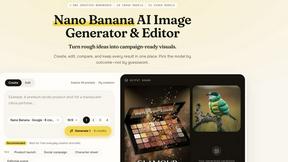
Nano AI
Create and edit AI images, generate videos, and compare models in one creative workbench.
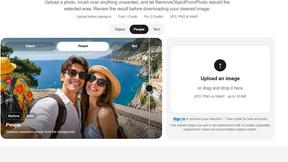
RemoveObjectFromPhoto
Remove unwanted objects, people, and text from photos with AI for clean, natural-looking results in seconds.
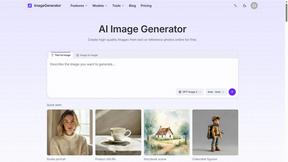
ImageGenerator
Create and edit AI images online with multiple models, text-to-image, image-to-image, background removal, and upscaling.
SightRadar
Face recognition API, a drop-in replacement for AWS Rekognition. Index, search, compare and detect faces, billed per photo with no subscription.
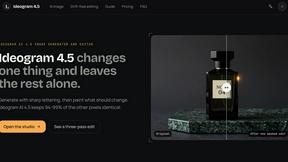
ideogram-45
AI image generation and editing with sharp typography, native 2K output, and localized edits.
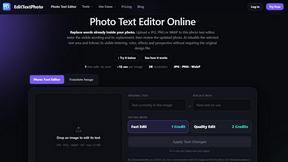
EditTextPhoto
AI-powered image text editor to edit, replace, fix, or translate text in images while preserving the original font, color, size, and style.
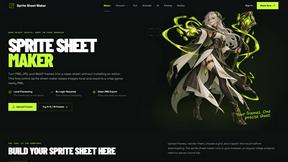
Sprite Sheet Maker
A free browser-based toolkit for creating, cutting, converting, and previewing sprite sheet animations.
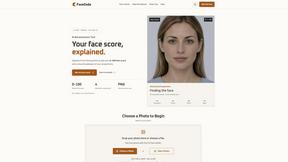
FaceCoda
Free AI attractiveness test and face analysis with private, on-device photo processing.
WatermarkPilot
Private browser-based watermark tools for photos and PDFs, with eleven free workflows and local media processing.
Qwen Image Edit
Prompt-based image editing and generation for backgrounds, objects, text, products, posters, outpainting, styles, and Qwen Image workflows.
Seedream 5.0
Generate and edit production-ready images with Seedream 5.0 Pro and Lite for ecommerce, marketing, social media, infographics, and branded content.
About Sketch To Alternatives
Sketch To is an AI-powered image-to-sketch and sketch-to-image conversion tool, operating within the image processing and creative software category. Users often seek alternatives to such tools due to specific technical requirements, such as API availability for custom integrations, different pricing structures beyond freemium models, or the need for platform-specific applications like native desktop software or mobile SDKs. When evaluating alternatives, developers and technical users should prioritize compatibility with their existing tech stack. Key considerations include the availability of a robust API for automation, support for specific programming languages or frameworks, the ability to handle batch processing workflows, and the tool's output format compatibility with downstream design or publishing platforms. The underlying AI model architecture is also a critical factor, as it determines processing speed, output quality, and the computational resources required for integration. A thorough assessment should balance these technical specifications with the project's scalability needs and budget constraints.
FAQs about Sketch To Alternatives
What is Sketch To?
Sketch To is an AI-driven tool that converts images into artistic sketches and transforms sketches back into photorealistic images using advanced dual-algorithm technology.
Who is Sketch To for?
It caters to a diverse audience including artists, designers, educators, and casual creators looking for an accessible tool to enhance creative projects or social media content.
Is Sketch To free?
Yes, Sketch To offers an always-free standard model, with an optional professional model upgrade available for users requiring enhanced detail and realism.
What are the main features of Sketch To?
Its core features include dual AI power for bidirectional conversion, a free standard model, a professional upgrade option, and instant processing capabilities.