

HappyHorse AI
HappyHorse AI creates short videos from text prompts or still images, with model choices and controls for aspect ratio, duration, and resolution.
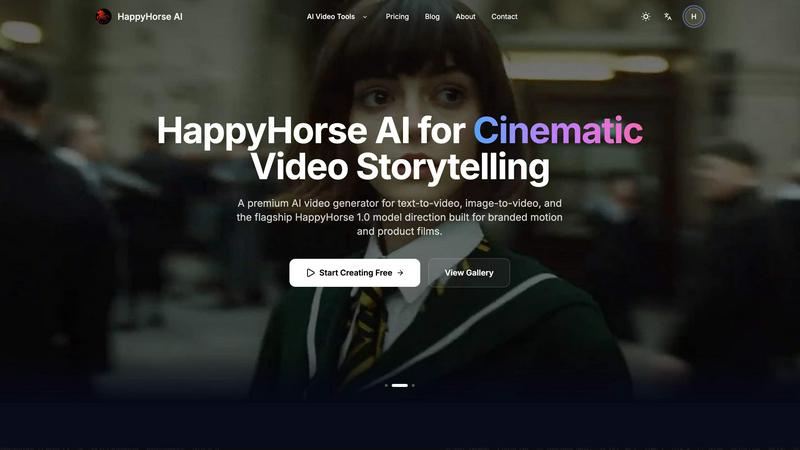
About HappyHorse AI
HappyHorse AI is a browser-based workspace for turning written prompts and still images into short video clips. Start with text for a scene concept, or upload a portrait, product image, illustration, or frame and describe the motion you want. The interface brings generation, preview, and export into one workflow, with settings that include aspect ratio and model-specific options.
It is suited to early creative work such as ad concepts, social clips, product motion, and storyboard previews. The platform also offers a multi-model workspace for trying different approaches to a prompt or reference. Results and available controls depend on the selected model; audio-related options are available only in supported workflows. Supported models offer output up to 1080p, and clips can be exported as MP4. It runs in a browser, so the listed workflow does not require a local GPU or editing timeline.
Features
- Generate video from text prompts or image references.
- Choose models and adjust supported settings such as aspect ratio, duration, and resolution.
- Preview and export generated clips as MP4.
- Use audio-related options when supported by the selected model.
Use cases
- Draft campaign visuals and advertising concepts.
- Create short-form social video ideas for platforms such as Reels or Shorts.
- Animate product photos for showcases or landing pages.
- Turn storyboards or treatments into motion previews for review.
Pricing
Monthly subscriptions are listed at $41, $83, and $167 per month when billed yearly, with annual charges shown as $490, $990, and $2,000. One-time credit packs are also available, starting at $50 for 500 credits.
Frequently asked questions
Can I start from an existing image?
Yes. Upload a supported still image and describe the motion to create an image-to-video clip.
What output settings are available?
The workspace lists aspect ratio, duration, and resolution controls, with availability varying by model. Supported models offer output up to 1080p.
Does it require a powerful computer?
The product describes a browser-based workflow that does not require a local GPU.
Similar products
Compare alternatives
Layerling
Layerling is a browser-based CAD tool for designing 3D printed enclosures and custom parts, with editable dimensions and STL or 3MF export.
DeckCraft
DeckCraft is free, open-source presentation software for creating and presenting slides in a browser or desktop app on macOS, Windows, and Linux.
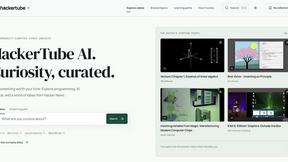
HackerTube AI
Search Hacker News video recommendations by topic, creator, or title, and explore technical talks, courses, and tutorials with discussion context.

CyberScore
CyberScore checks small business email, website and server exposure from public data, then gives owners a plain-English security grade and fixes.

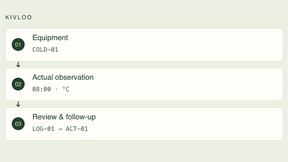
Kivloo
Kivloo helps teams complete daily workplace and food safety checks on a phone, with searchable records, photos and readings for managers.
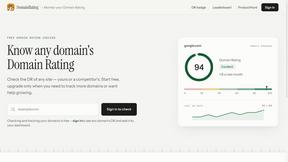
DomainRating
Look up and track Domain Rating for websites, with score history and an embeddable badge for SEO teams and site owners.