
FoxyLab
FoxyLab makes product videos and banner sets from chat prompts, with website context and API access.

FoxyLab makes product videos and banner sets from chat prompts, with website context and API access.
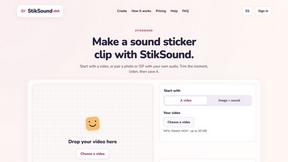

Goshortsai creates AI video from text and images, with motion control, preset effects, and tools for refining short clips.
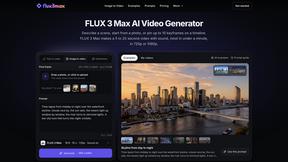
Flux3Max.io makes short videos with sound from a scene prompt, a photo, or up to 10 timed keyframes.
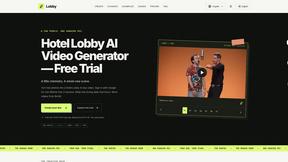
Lobby generates short two-photo performance videos with scene templates, separate performer references, and flexible aspect ratios.
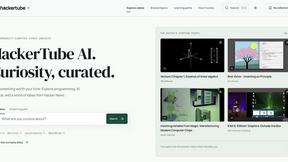
Search Hacker News video recommendations by topic, creator, or title, and explore technical talks, courses, and tutorials with discussion context.
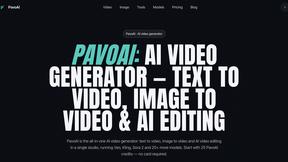
Pavo AI is a text-to-video and text-to-image workspace with four models, adjustable output settings and credit-based generation.
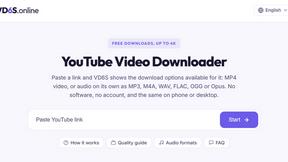
Use one YouTube link to download available MP4 video or standalone audio, choosing from source-dependent quality and format options.
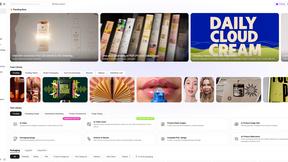
Rhinobird helps product teams make listing visuals, advertisements, video variations and packaging concepts from product imagery.

Create cinematic portraits, festive images and short photo animations with editable prompts in a web studio.
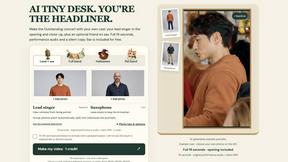
Create a personalized desk-concert clip from an adult portrait, with optional friend, full-band, Halloween, or pet casting.
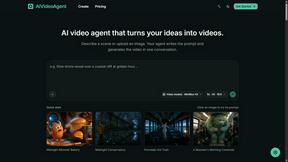
Turn a text idea or reference image into a video through a conversational agent that writes prompts and lets you choose a generation model.
GenX.art combines AI image, video and audio workflows in one workspace, with model choices and credit estimates for creators.
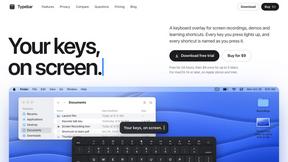
Typebar is a Mac keyboard overlay that names app shortcuts and highlights pressed keys for software demos, tutorials, and screen recordings.
FreeCreate is an AI creative studio for generating videos and images from text or visual inputs, with motion tools and daily free credits.
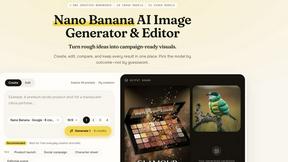
Compare 20 image models in one workbench, with editing, variation controls and credit costs shown before each run.
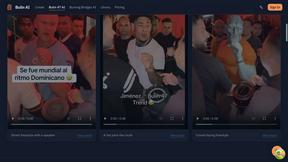
Bulin AI creates a Bulin 47 freestyle recast from one portrait, with settings and credit costs shown before you generate.
Compare a multi-model platform with a dedicated generator that concentrates on one medium or model. The former can simplify exploration across video, images and prompts; the latter may be preferable if a particular model or narrow workflow is your priority. Compare input support, output limits and usage rules before choosing.
Consider whether you want a wider toolkit or a product centered on one generation workflow.
Review model-specific credit rates, settings and any stated usage limits.