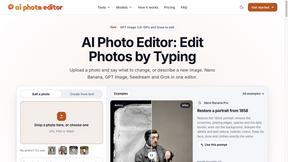
AI Photo Editor
An online AI photo editor where you type what you want. Remove objects, swap backgrounds, restore old photos and restyle portraits.

An online AI photo editor where you type what you want. Remove objects, swap backgrounds, restore old photos and restyle portraits.
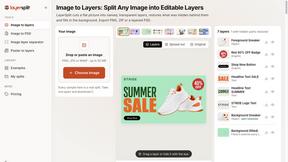
Split a flat image into named, transparent layers with the background filled in. Export PNG files, a ZIP or a layered PSD. Your first split is free.
Discover the best free online tools with ToolSuite Pro. Explore AI, productivity, marketing, SEO, writing, business, and software tools in one place.
Create bold, dimensional metal text with adjustable finishes, lighting, extrusion, and transparent PNG export.
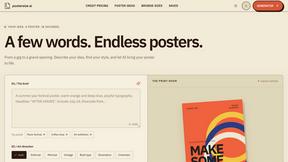
AI poster generator and sizing guide for polished visuals in seconds.
Check your screen display for dead pixels using White screen or black screen checkers.
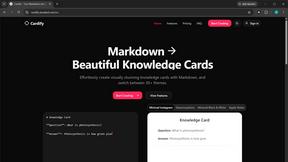
Paste Markdown, pick one of 30+ themes, export PNG/SVG/PDF. One long note becomes a whole card post in minutes, no layout work.
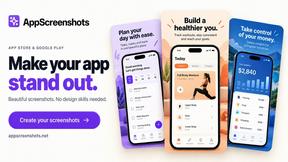
Create professional App Store and Google Play screenshots with 3D device frames, templates and batch export.
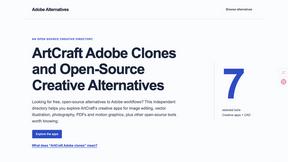
Explore open-source creative software by workflow, platform and development stage, with comparisons and official project links.
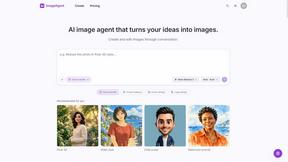
Create and edit AI images through conversation, using text or reference images and refining results in chat.

Clone any webpage pixel-perfect, export HTML/CSS/ZIP or React/Vue components.
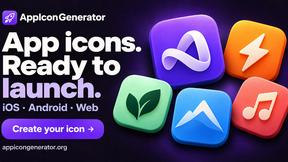
Generate iOS and Android app icons from any image and export all platform sizes for free.
Create AI images from text or reference photos and turn prompts or still images into short videos with FreeCreate. Start free—no account needed.
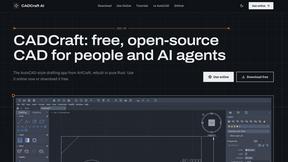
Free open-source 2D CAD built in Rust. AutoCAD-style CLI drafting, layers, dimensions, DWG/DXF support, and AI-agent automation via MCP.
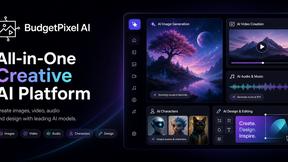
Create AI images, videos, music, and designs in one workspace with multiple models, powerful editing tools, and API access.
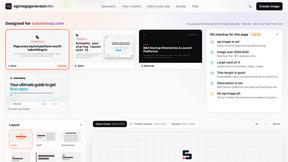
Paste a URL and AI designs on-brand Open Graph images from your page's colours, fonts and logo. Free, no sign-up.
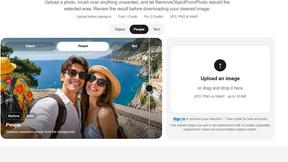
Remove unwanted objects, people, and text from photos with AI for clean, natural-looking results in seconds.

Free ad creative hub: 1,750+ prompts behind viral AI ads, 118 hook frameworks, teardowns, swipe files and 27 free AI tools.
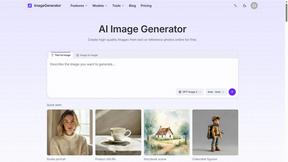
Create and edit AI images online with multiple models, text-to-image, image-to-image, background removal, and upscaling.

Turn a photo of your pet into new pictures or short animations with AI. Sign in for a free 1K image daily.
SimpleDraw is a free, web-based tool designed for creating precise and accurate scale drawings, which places it firmly in the realm of design tools. Its user-friendly interface caters to a wide audience, from casual users to professional designers seeking to draft detailed floor plans and technical drawings without extensive training. As users increasingly seek alternatives, reasons often include the desire for enhanced features, different pricing structures, or specific platform compatibility that better suits their needs. When searching for an alternative to SimpleDraw, users should consider the essential features that align with their project requirements. Key factors to evaluate include the accuracy of scale drawings, the availability of specialized modes like floor plan creation, and the robustness of editing capabilities. Additionally, the ease of use and integration with existing workflows or software platforms can significantly influence the decision-making process in selecting the right tool for their design needs.
SimpleDraw is a free, web-based tool that allows users to create precise and accurate scale drawings and detailed floor plans.
SimpleDraw is designed for casual users, DIY enthusiasts, and professionals who need an intuitive platform for creating technical drawings.
Yes, SimpleDraw is completely free to use, with no sign-up or software installation required.
SimpleDraw offers accurate scale drawing capabilities, a specialized floor plan creator, a smart alignment system, and complete control with non-destructive editing.