
AutoPhish vs Playwriter
Side-by-side comparison to help you choose the right product.

AutoPhish
AutoPhish automates AI-driven phishing simulations and training to fortify your team's cybersecurity posture.
Last updated: March 1, 2026

Visual Comparison
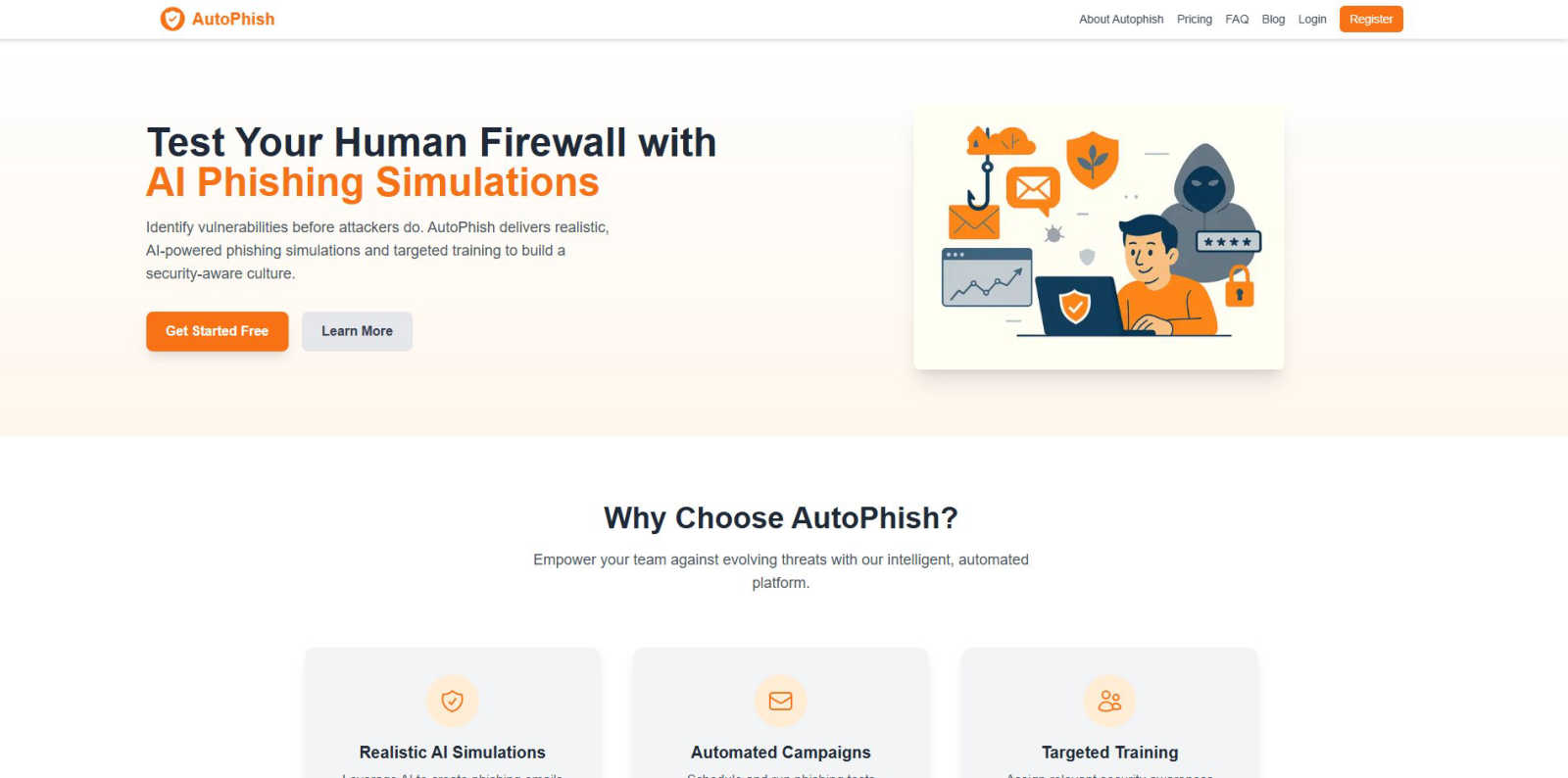
AutoPhish
Playwriter

Overview
About AutoPhish
AutoPhish is an advanced, AI-driven cybersecurity platform engineered to proactively strengthen an organization's human firewall through realistic phishing simulations and targeted security awareness training. It is designed for IT security teams, compliance officers, and business leaders across all industries who need to quantify and mitigate human-centric security risks. The core value proposition lies in its seamless integration of generative AI to create hyper-realistic, context-aware phishing email templates that mimic current threat actor tactics, techniques, and procedures (TTPs). This technical approach ensures simulations are not generic but are tailored to specific industry verticals and job functions, providing accurate vulnerability assessments. The platform automates the entire lifecycle of security awareness campaigns, from domain verification and secure email dispatch using SPF, DKIM, and DMARC protocols to scheduling, execution, and detailed analytics. By automating resource-intensive tasks, AutoPhish enables continuous, consistent testing and training without straining IT budgets or personnel. Its API-first architecture and compatibility with existing security stacks allow for streamlined workflows, making it a critical tool for building a resilient, security-aware organizational culture against evolving social engineering attacks.
About Playwriter
AI agents cannot browse the web properly. They either have no browser access, or they get a fresh Chrome with no logins, no extensions, and instant bot detection. Playwriter gives them your actual browser session instead. One Chrome extension, full automation API, everything you are already logged into. Includes accessibility snapshots (5-20KB instead of 100KB+ screenshots), a debugger with breakpoints, live code editing, network interception, and video recording. Works with any MCP client: Cursor, Claude, VS Code, and more. Open source, MIT licensed.