
Bargou One vs Prompt Builder
Side-by-side comparison to help you choose the right product.

Bargou One
Bargou One is an integrated AI suite for creating, translating, and transcribing content across all platforms.
Last updated: March 1, 2026

Prompt Builder
Generate, optimize, test, and manage AI prompts in one place. Turn an idea into a ready-to-use prompt in seconds.
Visual Comparison
Bargou One
Prompt Builder
Overview
About Bargou One
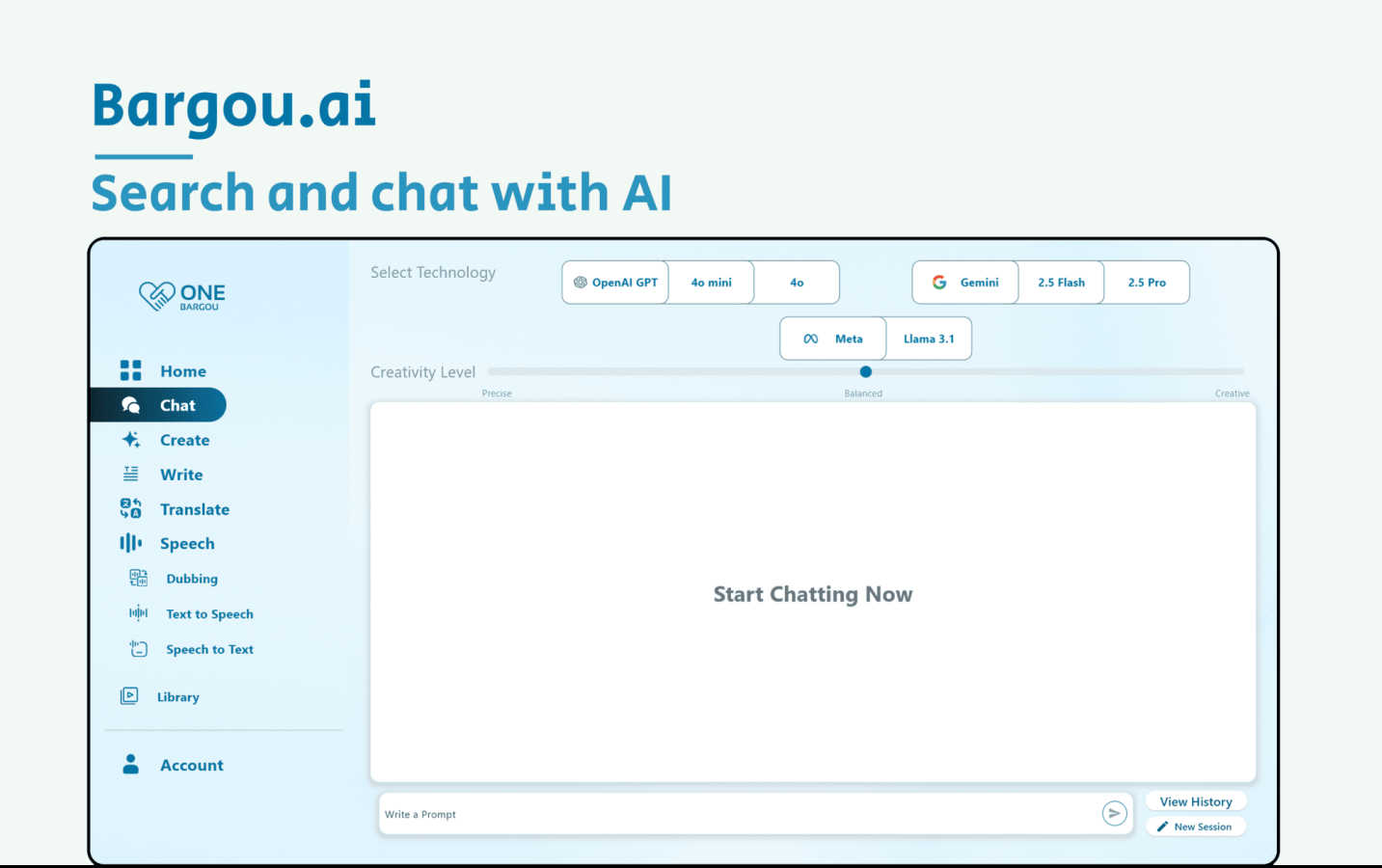
Bargou One is a sophisticated, all-in-one AI productivity suite engineered to consolidate multiple advanced AI technologies into a single, unified platform. It is designed for professionals, creators, and students who require a seamless workflow across communication, content creation, and language processing tasks. The platform's core value proposition lies in its technical integration, harmonizing powerful AI models from industry leaders like OpenAI, Google, and Meta within a user-friendly interface. This eliminates the need to juggle disparate tools and APIs, offering a cohesive environment for intelligent text handling, multimedia generation, and real-time translation. Bargou One empowers users to break down language barriers, automate content production, and enhance digital communication, all through a technically robust stack that prioritizes compatibility and streamlined user experience across desktop and mobile ecosystems.
About Prompt Builder
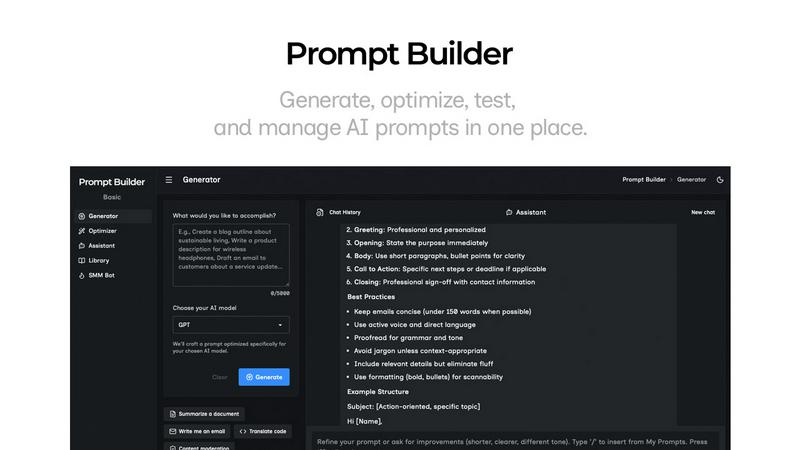
Prompt Builder is a prompt engineering workspace for writing, testing, and saving prompts. Describe the task in plain English, and it helps you create a prompt that matches the model you choose. Start with a draft, refine it in chat, save or pin versions, then run them when you are ready. It works with GPT, Claude, Gemini, Llama, Mistral, DeepSeek, Grok, Perplexity, and more. You also get an Optimizer, an assistant for quick tests, and a library of reusable prompts and templates from the community. Turn an idea into a ready-to-use prompt in seconds. Refine it in chat, save it to your Library, and run it anytime.