
securememo.app
Securememo.app offers an open source, client-side encrypted memo service with zero accounts and no tracking for ultim...
Visit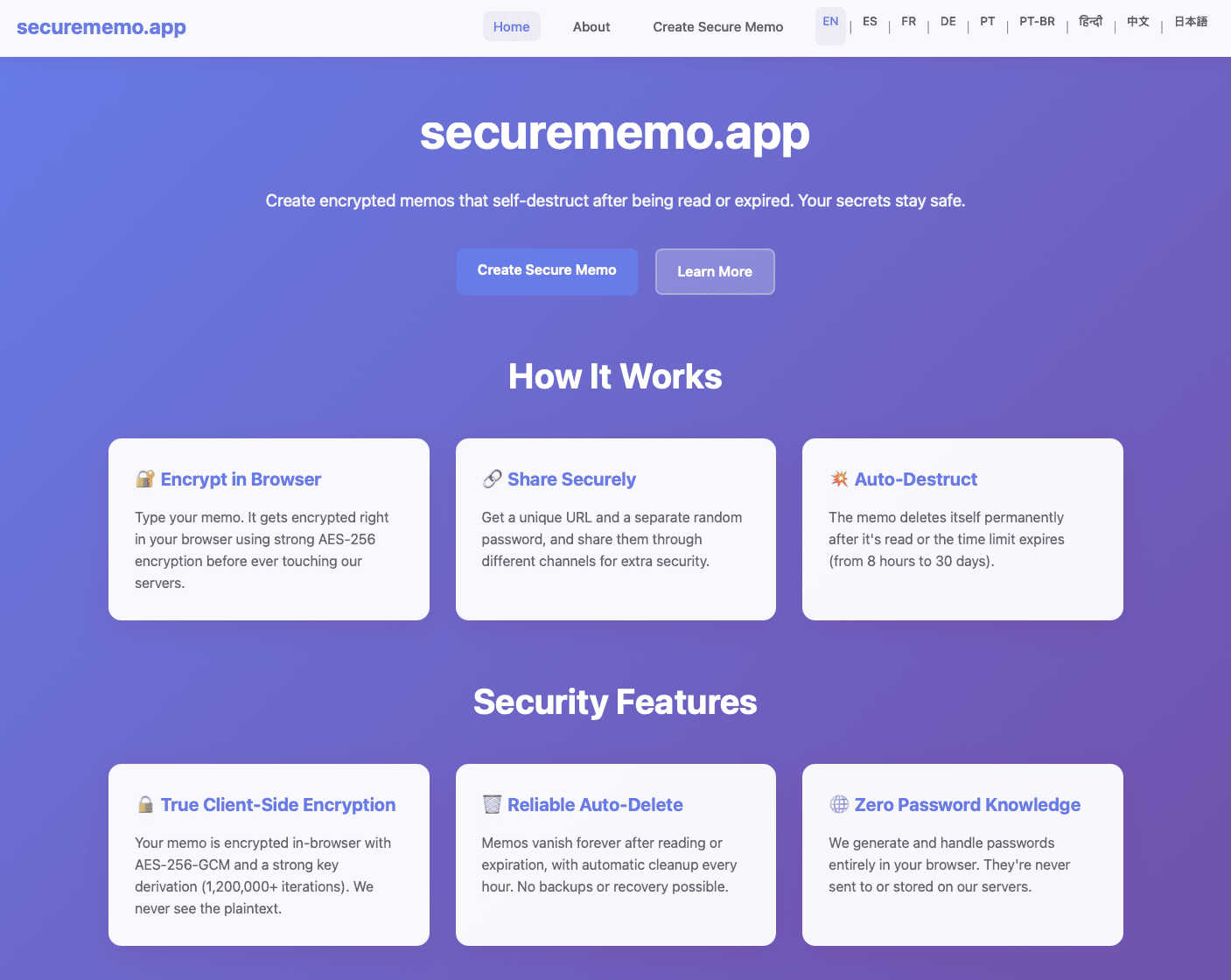
About securememo.app
Securememo.app is a cutting-edge, privacy-focused memo service designed for users who prioritize confidentiality and secure communication. The platform allows individuals to create and share encrypted, self-destructing notes directly from their browser, ensuring that sensitive information remains private. With a robust client-side encryption model, all data is encrypted locally before it ever reaches the servers, meaning that only the user has access to their notes. This security measure is crucial for anyone looking to keep their information shielded from prying eyes. Additionally, Securememo.app eliminates the need for user accounts, which further enhances anonymity and streamlines the user experience. Ideal for professionals, students, or anyone needing to share sensitive data safely, Securememo.app stands out for its ease of use and commitment to privacy. Available in over 20 languages, it caters to a global audience, making secure communication accessible to all.
Features of securememo.app
Client-side Encryption
Securememo.app employs advanced client-side encryption techniques, ensuring that all sensitive notes are encrypted on the user's device before transmission. This means that no one, including the service provider, can access the contents of your notes, providing unparalleled security for private information.
Self-Destructing Notes
This feature allows users to set a timer for their notes to self-destruct after being viewed. Once the recipient accesses the memo, it automatically deletes itself, ensuring that no trace of the sensitive information remains, thus enhancing data security.
Unique Link Generation
When sharing notes, Securememo.app generates a unique link for each memo. This link is essential for accessing the note and ensures that only those with the link and password can view it, adding an additional layer of security to the sharing process.
Password Protection
To maximize security, every memo can be protected with a strong, randomly generated password created on the user's device. This password should be shared through a separate channel, ensuring that even if the link is intercepted, unauthorized access is prevented.
Use Cases of securememo.app
Secure Business Communication
Professionals can utilize Securememo.app to share confidential business information, project updates, or sensitive client details without the risk of data breaches, ensuring their communications remain private.
Academic Collaboration
Students and researchers can share sensitive research notes or project ideas with peers securely. The self-destructing feature ensures that sensitive academic work does not linger online longer than necessary.
Personal Information Sharing
Users can safely share personal notes, such as reminders or sensitive information like codes and passwords, without worrying about long-term storage or unauthorized access, thanks to the self-destruct feature.
Emergency Situations
In urgent scenarios where information needs to be shared quickly and securely, Securememo.app allows users to send critical notes that disappear after being read, ensuring that sensitive data does not fall into the wrong hands.
Frequently Asked Questions
How does Securememo.app ensure my notes are private?
Securememo.app utilizes client-side encryption, meaning all notes are encrypted on your device before being sent to the server. This ensures that only you can access your notes.
Can I recover my notes after they self-destruct?
No, once a note self-destructs, it cannot be recovered. This feature is designed to enhance security by ensuring that sensitive information does not remain accessible.
Is there a limit to how many notes I can create?
There is no specified limit to the number of notes you can create with Securememo.app. You can generate as many encrypted memos as needed.
Do I need to create an account to use Securememo.app?
No, Securememo.app does not require users to create an account. This feature enhances your anonymity and makes the service incredibly easy to use.