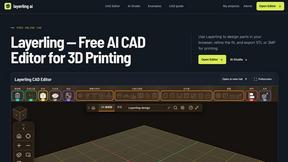
Layerling
Layerling is a browser-based CAD tool for designing 3D printed enclosures and custom parts, with editable dimensions and STL or 3MF export.

11 listings
Layerling is a browser-based CAD tool for designing 3D printed enclosures and custom parts, with editable dimensions and STL or 3MF export.
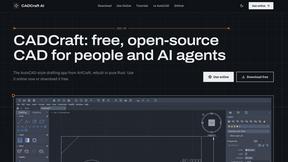
CADCraft is free, open-source 2D CAD software with an AutoCAD-style workflow and command, JSON, and MCP controls for automation.
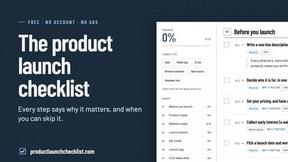
A free checklist organizes software launch work into eight phases, with task explanations and filtering for different product types.
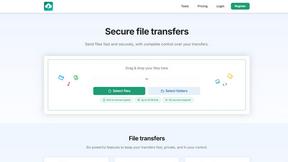
HypeShare sends files through encrypted links with password, expiry and download controls, and supports account-free uploads through request links.
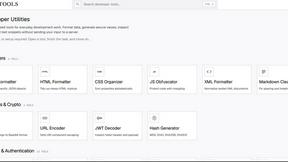
JSTools.Space provides local browser utilities for developers, including formatters, text tools, converters, and generators for everyday tasks.
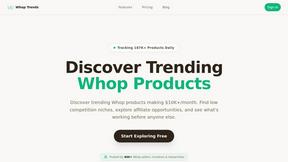
Whop Trends helps Whop sellers and affiliates explore product revenue estimates, growth trends, category benchmarks, and commission data.
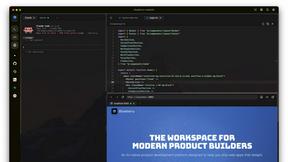
Blueberry is a Mac workspace for web app development that pairs an editor and live preview with project-aware AI in the terminal.
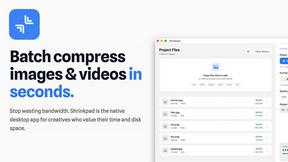
Shrinkpad helps Mac users batch compress images and videos locally, with automatic folder scanning for supported media and non-media filtering.
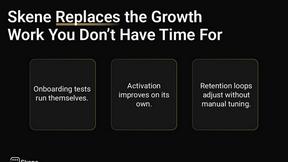
Skene helps product-led growth teams measure experiments by drafting event plans, checking tracking, and reporting against a target.

Yellow builds custom AI agents and multi-agent systems designed to carry out complex business workflows.
Product Development tools help teams plan, design, build, and iterate on digital products through project management, prototyping, user research, feature tracking, and collaboration platforms. This category includes product management software, roadmap tools, user research platforms, feature flagging services, and product analytics solutions.
Whether you are defining a product roadmap, conducting user research, managing feature backlogs, running A/B tests, or coordinating cross-functional product teams, these tools provide the infrastructure needed to build products that users love and that achieve business objectives.
Compare product development tools by their planning features, collaboration capabilities, analytics depth, integration options, and pricing to find the right tools for your product team's workflow and methodology.
This category includes product management platforms, roadmap and planning tools, user research and feedback platforms, feature flag services, product analytics tools, A/B testing platforms, backlog management tools, and cross-functional collaboration software.
Product management tools centralize feature requests, prioritization frameworks, roadmap visualization, sprint planning, and stakeholder communication to help teams align on what to build, when to build it, and why.
Yes. Many product development tools support agile frameworks including Scrum, Kanban, and SAFe with sprint boards, backlog management, velocity tracking, retrospective tools, and ceremony management features.
Yes. Most product development tools integrate with Jira, GitHub, GitLab, Linear, and other development platforms to keep product and engineering teams synchronized on priorities, progress, and releases.
Yes. Several tools specialize in user research with features like survey builders, interview scheduling, usability testing, session recording, feedback collection, and insight synthesis to inform product decisions with real user data.
Consider your team size, development methodology, key workflow needs, existing tool integrations, and budget. Start with free trials to evaluate the workflow fit before committing to annual plans.