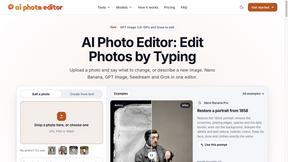
AI Photo Editor
Make photo edits with written prompts, using dedicated tools for common fixes and a Studio with several AI models.

63 listings
Make photo edits with written prompts, using dedicated tools for common fixes and a Studio with several AI models.
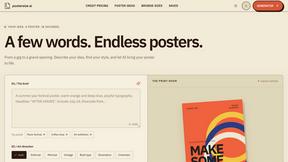
PosterSize pairs a poster format catalogue with AI generation to help users move from size research to a visual draft.
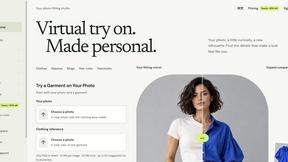
Use AI photo previews to explore outfit, accessory and hair ideas, with separate tools for each kind of try-on.
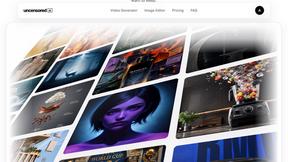
Uncensored AI creates prompt-led images and edits with references, configurable formats and a visible credit estimate before generation.
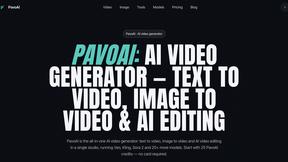
Pavo AI is a text-to-video and text-to-image workspace with four models, adjustable output settings and credit-based generation.
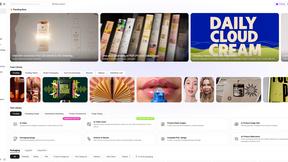
Rhinobird helps product teams make listing visuals, advertisements, video variations and packaging concepts from product imagery.
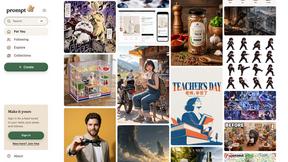
Explore AI image prompt examples with their results and model labels, and copy prompts free to adapt in your image workflow.
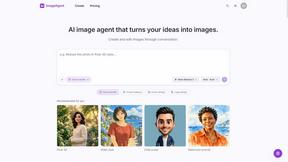
ImageAgent is a conversational image creation and editing tool for users who want to start with text or a reference and refine visuals through chat.
GenX.art combines AI image, video and audio workflows in one workspace, with model choices and credit estimates for creators.
AI Age Filter creates an older-looking portrait from an adult photo, with four age increments and a labelled PNG download.
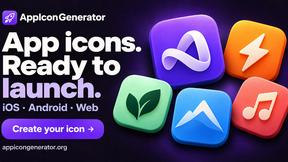
Prepare app icon files for iOS, Android, web, and Chrome from one source image, with live previews and local export.
FreeCreate is an AI creative studio for generating videos and images from text or visual inputs, with motion tools and daily free credits.
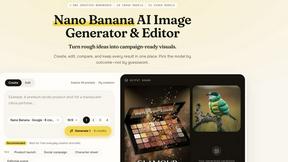
Compare 20 image models in one workbench, with editing, variation controls and credit costs shown before each run.
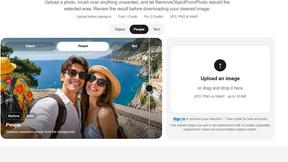
Remove unwanted objects from JPG, PNG, and WebP photos in a browser, with a preview of the AI-reconstructed area before download.
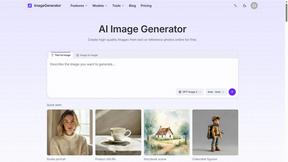
Create and revise visual concepts with text and reference-image generation, then keep each result and prompt together for later work.
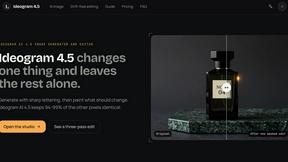
Generate images with legible text and refine them using masked edits that preserve the rest of the picture.
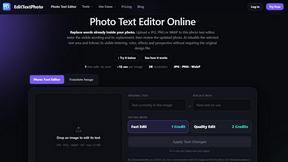
EditTextPhoto replaces embedded photo text for creators who need a quick edit without the original layered design file.
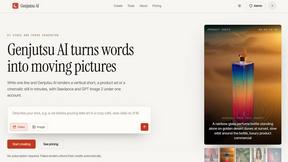
Genjutsu AI puts a person from one photo into a ready-made video effect or an uploaded clip, with vertical and landscape output options.
Generate square music cover art from prompts or reference images, then refine the visual direction for streaming and release campaigns.
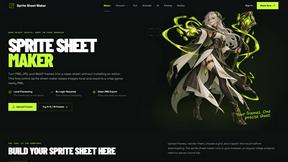
Pack animation images into a sprite sheet with frame reordering, grid and spacing controls, browser preview, and downloadable PNG output.
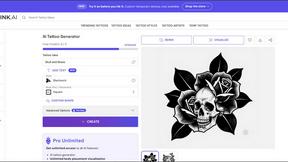
BlackInk AI turns written prompts into custom tattoo design ideas, helping tattoo lovers explore styles and placements before meeting an artist.
Qwen Image Edit lets you change images with text prompts, then explore image, video and audio tools in one browser-based creative workspace.
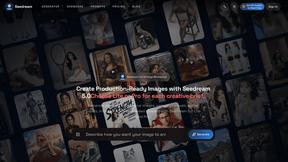
Seedream combines AI image generation and editing with video and music tools in a credit-based creative workspace.
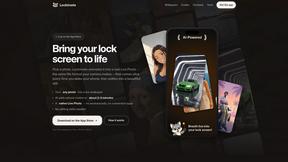
Lockimate creates iPhone Live Photo wallpapers from photos using AI motion, with options ranging from realistic animation to Pro art styles.
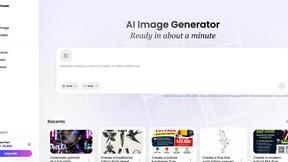
Vismuse combines AI image creation, photo editing, and image-to-video tools with conversational refinement.
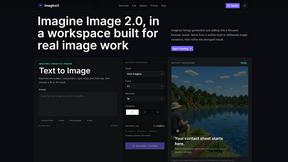
Imagine2 combines AI image generation and editing with reference controls, giving visual creators a browser workspace for iterative image development.
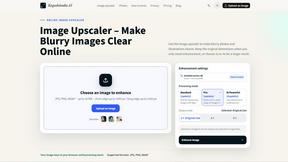
Improve a low-resolution image in the browser with selectable enhancement modes, original-size output, or 2x and 4x upscaling.
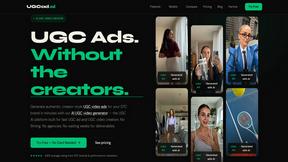
UGCad AI creates ecommerce video ads from product links or scripts, with AI presenters, editing tools, and campaign publishing for paid social teams.
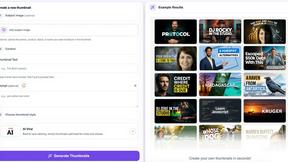
Make multiple AI YouTube thumbnail options from a public video URL, title, or prompt and choose which image to download.
HubVanta AI puts image, video, and design generation tools in one workspace with shared credits and limited free access.
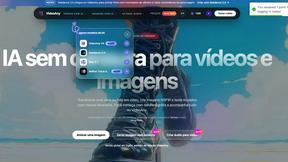
VideoAny creates AI video from prompts or images and includes image, audio, and NSFW generation in one studio.
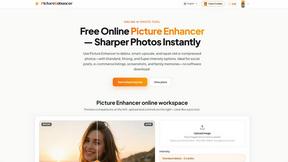
Picture Enhancer enlarges small product images by 2× or 4× and reduces blur, with batch processing available to paid users.
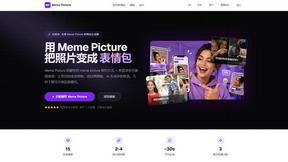
Turn a selfie, pet photo or snapshot into a classic meme with AI stylization, candidate choices and a share-ready PNG download.
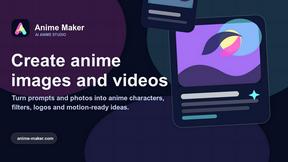
Generate anime images from text, reinterpret reference photos and create brief video scenes with adjustable duration and framing.
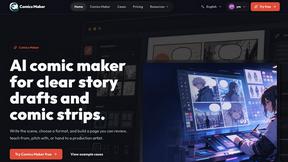
Comics Maker helps creators turn scene ideas into comic drafts, with AI-generated panels, reusable character references, and editable page layouts.
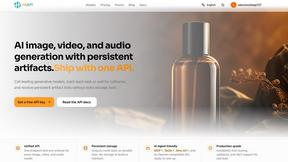
HiAPI connects applications and AI agents to image, video, and audio models through a unified task API and agent-oriented tools.
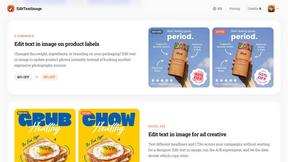
Update wording on finished posters and flyers with AI text replacement that follows the artwork's original type, color and perspective.
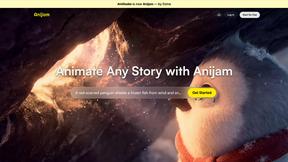
Anijam is a chat-based AI video agent for creators making cinematic films, animated stories, ads, and short-form social videos.
Image Generation tools use artificial intelligence to create visual content from text descriptions, sketches, reference images, and creative prompts. This category includes AI art generators, text-to-image platforms, style transfer tools, AI avatar creators, and product mockup generators that transform ideas into visual content.
Whether you are creating marketing visuals, generating concept art, producing social media graphics, building product mockups, or exploring creative AI art, these tools provide accessible image creation capabilities that were previously available only to skilled designers and illustrators.
Compare image generation tools by their output quality, style options, customization controls, generation speed, and pricing to find the right AI image creation solution for your visual content needs.
This category includes text-to-image generators, AI art platforms, style transfer tools, AI avatar and portrait creators, product mockup generators, logo creators, and specialized image generation tools for marketing, social media, and creative projects.
Modern AI image generators produce photorealistic and artistically compelling images that are suitable for many commercial and creative applications. Quality varies by tool and prompt, with the best tools delivering output comparable to professional design work.
Licensing varies by tool. Many platforms grant commercial usage rights for generated images, but terms differ regarding exclusivity, attribution requirements, and specific use cases. Always check the licensing agreement for each tool.
No. Most image generation tools accept natural language descriptions and generate images automatically. Learning to write effective prompts improves results, but no traditional design skills are required to produce quality visual content.
Write detailed, specific prompts that describe style, composition, lighting, mood, and subject matter clearly. Experiment with different wording, use negative prompts to exclude unwanted elements, and iterate on results to refine your output.
Common limitations include inconsistent text rendering in images, difficulty with specific hand and finger details, challenges with exact brand reproduction, and potential style biases from training data. Results improve with each tool update.