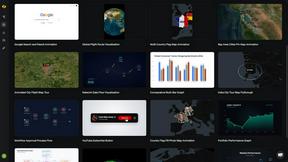
Easymotion
Easymotion converts prompts, map routes and spreadsheet data into motion graphics for editors, creators and small teams.

63 listings
Easymotion converts prompts, map routes and spreadsheet data into motion graphics for editors, creators and small teams.

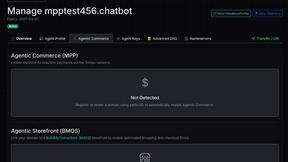
A domain registration service for agents and their builders, with searchable namespaces, direct or agent-assisted setup, and visible renewal terms.
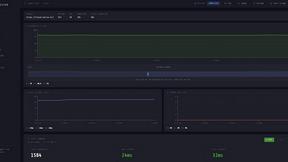
A managed load testing service for API and website teams, with live p95 and p99 metrics, threshold-based auto-stop, and CI/CD support.
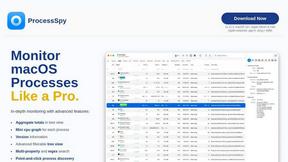
ProcessSpy is a macOS process explorer for developers who need command-line, version, environment, and resource details beyond a basic task list.

Claw Messenger lets AI agents send and receive iMessage, RCS, and SMS through a managed API that works without a Mac.

Datamata Studios offers data professionals free formatters and profilers, plus paid tools for reusable analysis, document scoring and exports.
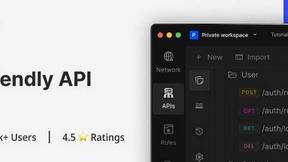


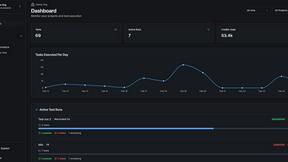
qtrl combines structured test management with AI agents that run plain-language browser tests and leave approval of results to your team.
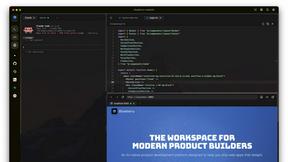
Blueberry is a Mac workspace for web app development that pairs an editor and live preview with project-aware AI in the terminal.
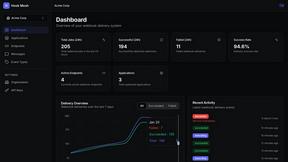

SpeedTestry measures download, upload, ping, and jitter in your browser, with recent results saved on your device for comparison.
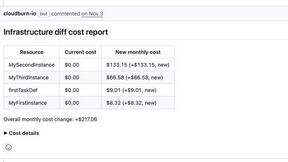
CloudBurn combines an AWS cost-checking CLI with platform previews for estimating spend, reviewing changes, and finding unused resources.
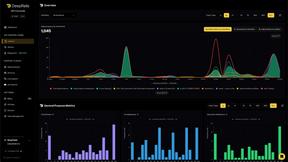

Skene helps product-led growth teams measure experiments by drafting event plans, checking tracking, and reporting against a target.
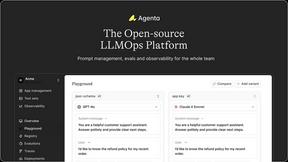
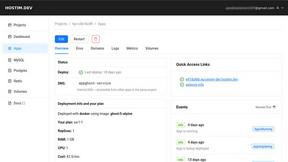
HOSTIM.DEV is managed Docker hosting for developers who want Compose deployments, EU bare-metal infrastructure, and integrated data services.
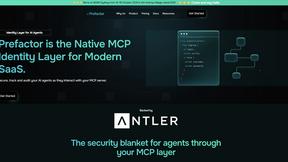
Prefactor evaluates AI agent runs in production, combining live observability, custom evaluations, risk checks and runtime interventions.

Giga AI helps developers keep building as projects grow, with codebase-aware AI compatible with VS Code, Cursor, Claude, and Codex.
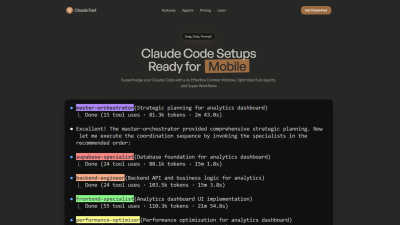
Claude Fast provides Claude Code development and growth kits with specialist agents, session continuity, and task synchronization.
Dev Tools provide developers with the software, platforms, and utilities needed to write, test, debug, deploy, and monitor code more efficiently. This category includes code editors, development environments, debugging tools, CI/CD platforms, API testing tools, version control interfaces, and developer productivity enhancers.
Whether you are writing code, managing deployments, testing APIs, monitoring application performance, or automating development workflows, these tools provide the infrastructure that modern software development demands.
Compare dev tools by their language support, integration ecosystem, performance, collaboration features, and pricing to find the right development tools for your stack and team.
This category includes code editors and IDEs, terminal and CLI tools, API testing platforms, CI/CD solutions, debugging tools, performance monitoring, version control interfaces, code review platforms, and developer productivity extensions.
Yes. Some tools specialize in specific languages or ecosystems like JavaScript, Python, Go, or Rust, while others provide multi-language support. Check individual listings for language-specific features and compatibility.
Dev tools improve productivity through code completion, automated testing, streamlined deployments, collaborative debugging, shared development environments, code review workflows, and integration with project management systems.
Yes. Many modern dev tools offer cloud-based development environments, remote container support, cloud debugging, and browser-based IDEs that allow developers to work from any device without local setup.
Yes. Many essential dev tools are open source or offer generous free tiers for individual developers and small teams. Paid plans typically add team management, enterprise security, and advanced scaling features.
Consider your tech stack, team size, deployment targets, collaboration needs, and budget. Prioritize tools that integrate well with your existing workflow and offer the specific features your development process requires.